Manage Your Debit Card
Get more from your debit card with convenient tools to manage your card, monitor activity, and protect your account—all in one place.


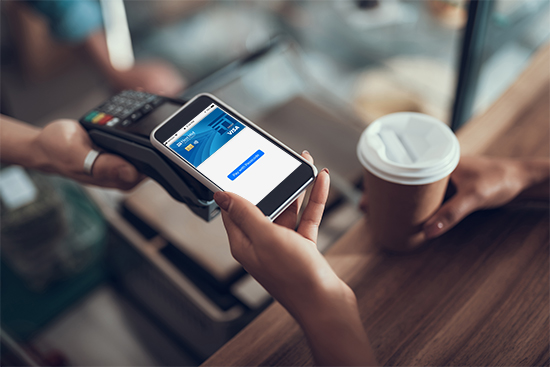

If your debit card is lost or stolen, you can use the card management features to turn it OFF in Online or Mobile Banking to help prevent unauthorized transactions. When your card is turned off, the status will show as Blocked.
What happens when my card is blocked?
• New card transactions will be declined.
• Previously authorized or recurring payments may still process.
• Your card cannot be used through your digital wallet while it is blocked.
Have multiple debit cards?
Blocking one debit card only blocks that card. Other debit cards linked to your account will continue to work normally.
Card alerts help you stay on top of your debit card activity, spot unauthorized transactions, and monitor your spending. You can receive alerts for all card transactions or customize alerts based on:
Important: Card alerts notify you of activity but do not block transactions. To block certain transactions, use Card Controls.
Card Controls let you block certain debit card transactions to help protect your account. You can block transactions based on:
Important: Blocking transactions does not send an alert. To receive notifications about card activity, set up Card Alerts.