Explore Online Banking Features

  • Account Access – View balances, account activity, eStatements, and more. 
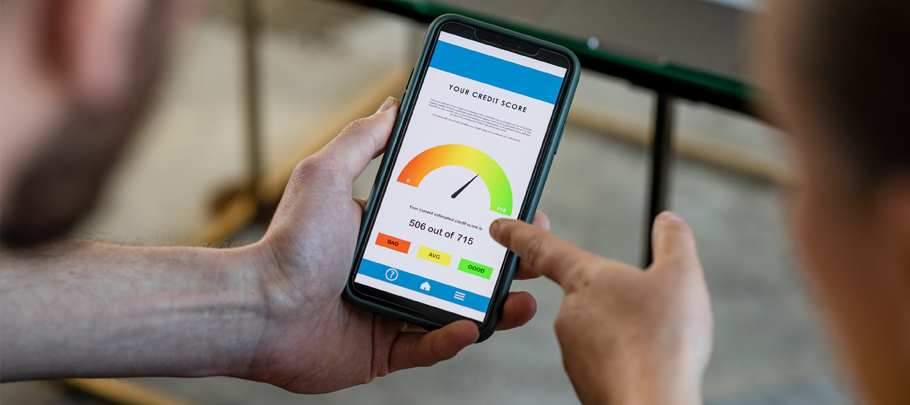
  • Financial Planning – Budget, monitor your credit score, and access your credit report with SavvyMoney® Credit Score & Report. 
  • Transfer & Pay – Send money with Zelle®, pay bills, and make external transfers. 
  • Card Management – Manage your debit card, update saved card information with Card Updater, and access your First Mid credit card account. 
  • Additional Tools – Set alerts, find First Mid locations, send secure messages, and access secure forms.


    Get Started

    Follow these steps to enroll, log in, and start managing your accounts securely online.
    To enroll, you'll need:
    • A valid email address you can access during enrollment
    • Your Social Security number 
    •  Your date of birth 

    During enrollment, you'll create your username and password before being directed to your Online Banking dashboard.

    Enroll in Online Banking

    Follow these steps to log in to Online Banking:
    1. Go to www.firstmid.com. 
    2. Select the blue Login button in the upper right corner.
    3. Confirm Personal Banking is selected as the Account Login Type. 
    4. Enter your username and password. 
    5. Select Login.
    If you’ve forgotten your Username or Password, click "Forgot Username or Password" below the login button to walk through the simple steps that will get you going again in no time.

    Your dashboard provides quick access to:

    • Your accounts and recent activity
    • SavvyMoney® Credit Score & Report
    • Linked external accounts 

    Use the navigation menu to access Accounts, Transfer & Pay, Card Management, and other Online Banking features.


    To personalize your experience, select Settings to:

    • Update your contact information
    • Manage your mobile devices
    • Rename your accounts
    • Manage additional profile settings 
     
    Need Help? Under Tools in Online Banking, you'll find the Online Banking User Guide with step-by-step instructions and screenshots. You can also download the guide for future reference.
    Get all the same great features in the First Mid Mobile Banking app. Simply download the app from the Apple Store or Google Play and sign in using your Online Banking username and password.


    It is important that your contact information in Online Banking is current. Please take a moment to review your information by clicking Contact under the Settings menu within your Online Banking account. You’ll want to verify that your email address, phone number, and other contact information is up-to-date.